
How to Pack a TV for Moving Without Breaking It
Wonder how to pack a TV for moving or how to protect other fragile belongings during the relocation process? This might seem challenging, but you can sit back and relax because we have some great news for you. This article could be very helpful for those who don't know how to pack television for moving - you'll find yourself learning some interesting tips and hacks that will make your local move a blast.
Worried about how do you pack a flat-screen TV for moving? If you don't want to experiment with this on your own and think it is a too big responsibility for you, don't worry - we still got your back. Instead of putting everything on yourself, why not hire professional movers in Walnut Creek? These trained and experienced professionals are always ready to assist you with planning your move and turning it into a best-version reality. Read this article and decide which solution suits you best, and our reliable Walnut Creek moving company will wait for your call.
How to Pack a TV for Moving Without Damaging It? Follow These Simple Steps
If you are having a hard time wondering how to move a TV or how to pack a TV, following these simple steps might be a lifesaver. There is no need to bother yourself with anything too challenging - there are few relocation hacks that anyone can do. You can create a specific to-do list just for this task that will help you get all the necessary supplies and go step-by-step.
If you're uncertain about this process and think that you lack some needed skills or equipment, the best thing you can do to save yourself the trouble is to hire professional Walnut Creek movers for help. They have all the needed equipment and knowledge when it comes to relocating your fragile items. If you are interested in their packing service, they can also tell you more about the most commonly forgotten things to pack and give you information on items mover don't move.
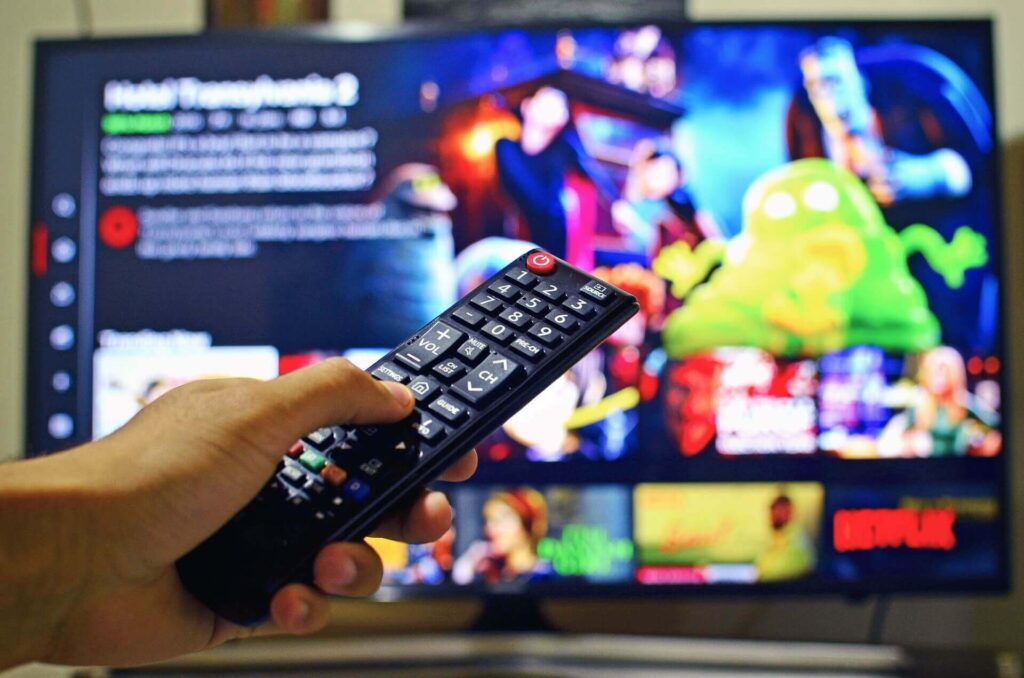
Make Sure to Carefully Remove All Cords
Living in Walnut Creek must be busy and exciting, but if you just had an amazing moving away party and you have to move in a hurry, don't forget to stay extra careful with this first step. If you want to prevent any damages and relocation stress, you must remove all the cords and cables from your device. Unplug them carefully, and don't pull too hard if you don't want to break them. Once you remove the cord, coil it up and secure it with a twist tie or tape. In case that you are relocating with pets, make sure not to leave them in their sight - they might find it fun chewing them.
Extra Tip: Take Pictures of the Back of Your TV Screen Before Moving It
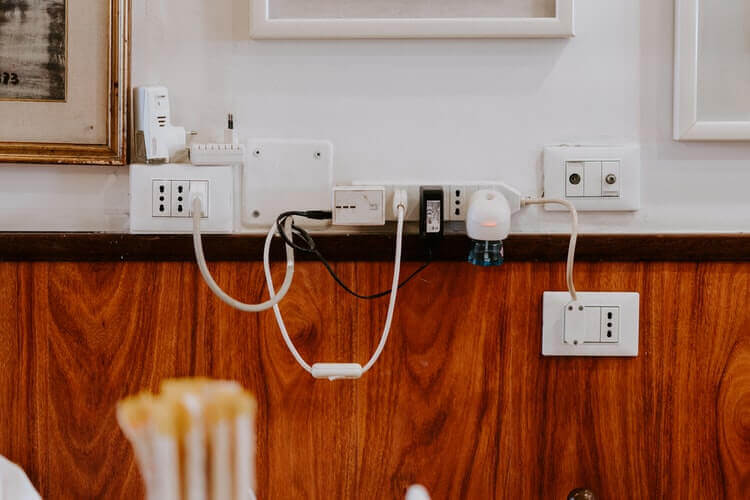
One of the pro tips you should follow when removing the cables is to take pictures of them while they are plugged into the device. That way, you can easily remember which one goes where once you get to your new home in some of the best places to live in the Bay Area and want to plug them in again. This will take you just a few seconds to do, but it can save you from hours of trouble you might experience if you can't remember how to plug cords back into your device.
The Easiest Solution: Get a TV Panel Kit
How to move a flat-screen TV using a panel kit? Easy. Once you unplug the cords, you should remove the device's legs. They can be removed with a screwdriver. Lay the device down, screen side facing down on a blanket on a flat surface, and remove screws carefully. Put the specialized cover that will protect it from scratches and use the pieces of foam for an extra layer of protection inside of a container - these are usually included in the kit. Place two pieces of foam on top corners and use tape to secure them in place. Follow the same procedure for bottom corners.
Plan Your Expenses According to Services and Materials You Require
This may cause some additional costs on your relocation expenses checklist, but it's definitely worth it if you want top-quality protection. How do you move a 75 inch TV? Rules are the same. Follow the procedure, and you won't be wrong no matter its size and weight. Just don't forget to clean it properly first. Here's a video that will show you how to do it.
https://www.youtube.com/watch?v=lQ5sYnyrmhM
Wondering How to Move a Flat Screen TV Without a Box? Easy, With the Help of These Tips
Should you keep your TV box for moving? It would be good to have the original packaging since one of the safest ways to transport your television is to put it inside its original box. Unfortunately, this solution is not always possible, especially if your device is old and you bought it many years ago. Some of the people have the luck of having a big storage unit or garage where they can keep old boxes that are still in good condition and reuse them later on. Luckily, for those less fortunate - there are some convenient solutions as well. Keep reading to find out which materials you should use to protect your device if you don't have its original packaging.
If You Don't Have Original Television Box, Find an Alternative Packing Method
If you wonder how to pack TVs for moving and find yourself in a situation that you have to move your device without its original box, you should gather some of the following materials that will protect it from damage during transportation:
- Foam padding,
- Blankets and other cushioning materials,
- Thick cardboard pieces,
- Bubble wrap,
- Tape,
- Flat-screen cover.
You should put a large foam sheet across the screen and secure its ends with tape - ensure you don't tape on the delicate surface directly. Bubble wrap is not an ideal alternative to foam padding because it can leave marks on the glass surface. Once you're done taping it, use a piece of cardboard in the appropriate size and put it on top of the cushioning. You could also protect it with blankets or bubble wrap. Most of these supplies you can find at local stores or buy them online. If you are in a hurry or simply want to resign this to professionals, you can always rely on Bay Area movers for help.
After Packing It, Move Your Device Safely
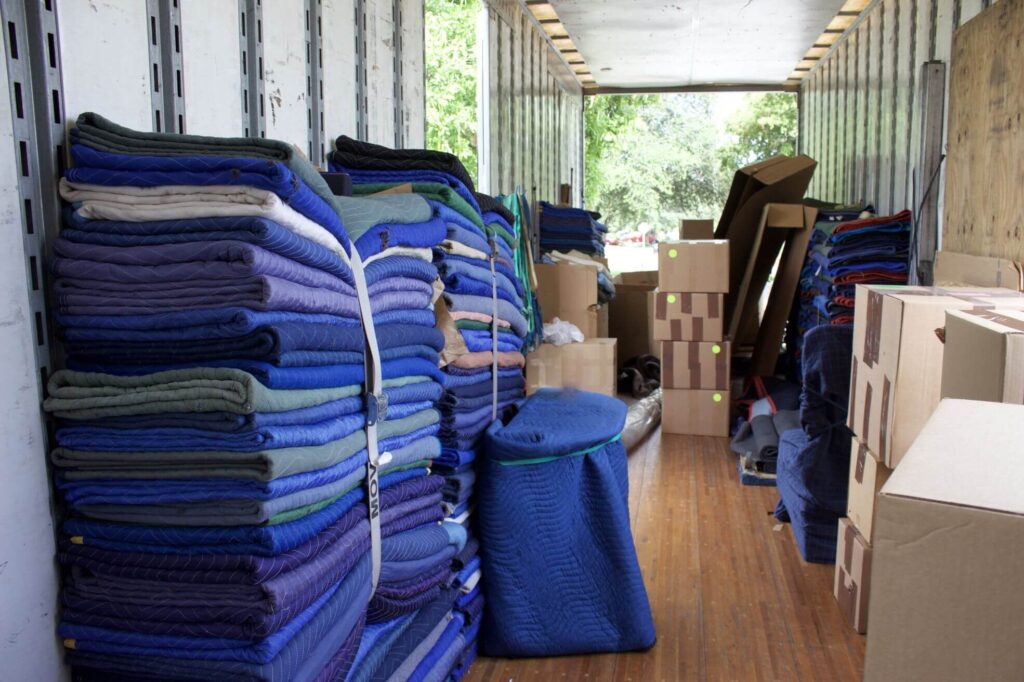
This is just one step of the relocation procedure. Another essential thing you should be aware of is the way you are going to place the device in the relocation vehicle. Depending on the type of your device, and the upper mention method you chose, there are some rules you need to follow if you want to prevent any damage. These objects are usually very fragile, so every little bump in the road might cause microscopic damage that can lead to some bigger issues. No matter these options - the solution is the same: you should keep your device propped up.
The best way to place it into the vehicle is to store it between two flat, sturdy objects. Ideally, this could be mattresses or dressers. This will keep the kit movements to a minimum, and you'll ensure that your device doesn't get damaged no matter the road obstacles. In case that you don't have two appropriate objects you can place them between, you can use a tie-down rope to tight the container to the rub rails that are usually a part of the relocation vehicle. Once you manage to prevent the container from unwanted movements, you are finally ready to start the transportation.
Is It OK to Transport a TV Flat?
This is not the most recommended way to transport your device. Laying it on the side can damage plasma or LCD crystals inside it, and laying it down might cause some rather external damage. Because of its unique design and specific weight distribution around the edges, laying it down might disrupt this balance and put pressure on the delicate surface. In the end, this will cause small cracks that can easily grow over time that can lead to disabling it.
Unpack It Gently
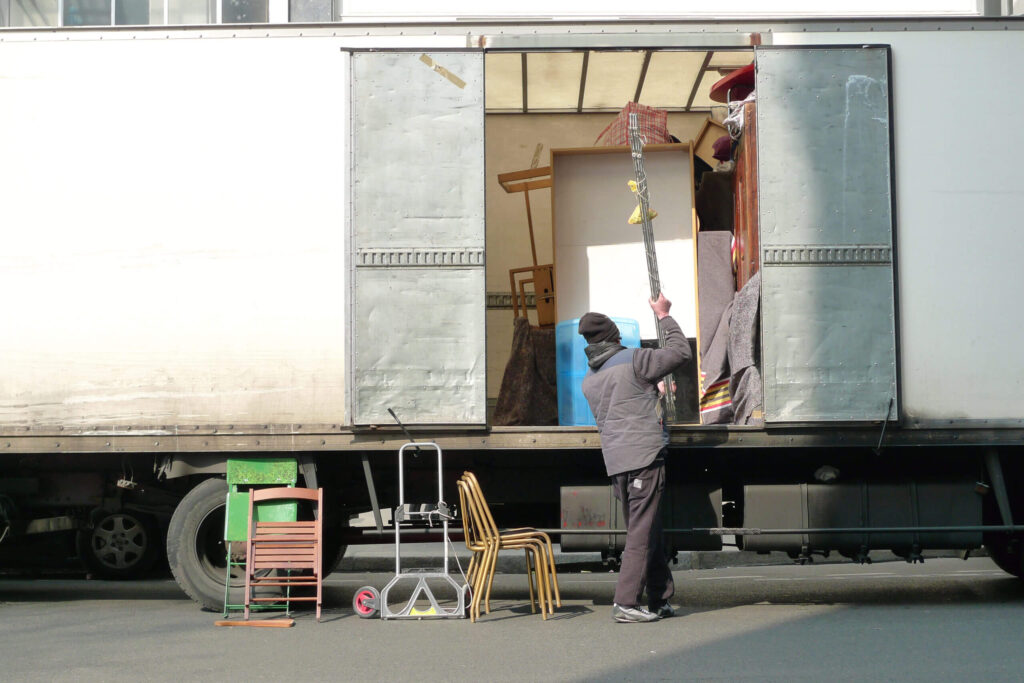
If you're done wondering how to pack TV for moving, we hope that is because you learned some useful things in this article and that it is finally the time to unpack it at your new home. Again, don't become impatient now that you came this far. While unloading your device from the relocation vehicle, make sure you keep it upright at all times until you bring it inside your home.
Don't leave it outside for too long, especially if it's rainy or the weather conditions are bad. Once you get it inside, lay it against the wall or another flat surface - still in the upright position, and leave it there until it comes the time to unbox it. For cutting the wrap or cardboard pieces, use scissors or a box cutter. Once the protection is cut, remove it gently, starting from the inner section and pulling it out. If we're talking about a large and bulky item, ask a friend or family member for help to pull it out from the container.
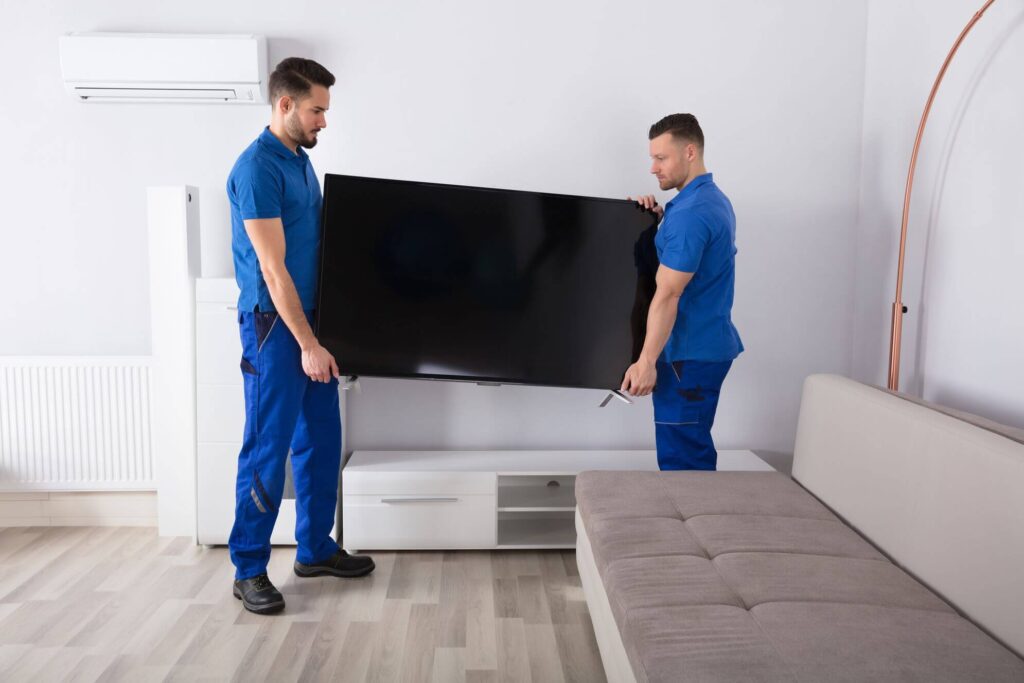
Hire Professional Walnut Creek Movers, CA, for Help if You Don’t Know How to Protect Your Device
Once you find enough reasons to move and choose one of the finest Bay Area towns for your new home destination, it might be a good idea to contact your local 680 Movers in Walnut Creek. We are one of the best moving companies in Walnut Creek, CA, with a year-long experience providing our clients with the best services at affordable prices. Apart from excellent residential relocation and commercial relocation services, we can also offer you reliable storage facilities.
If you have trouble protecting your other fragile belongings and don't know how to pack dishes, for example, how to pack glasses or how to pack plates, you should consider hiring movers in Walnut Creek, CA, for help. Besides showing you how to pack fragile items, they can also show you how to store Christmas ornaments and other interesting hacks. Sounds good? Give us a call at any time, and we'll make sure all of your belongings as well as television devices get to your new home safely in no time.